




























2025 Edition Professional 3D Printer Buyers Guide
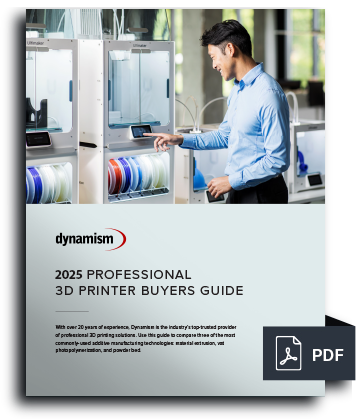
Choosing the right 3D printer doesn't have to be difficult. Find the perfect printer for your application. This in-depth guide covers pricing, materials, dimensional accuracy, and more.
Download now Leading Tech Since 1997
 Dynamism Digital Manufacturing Fast and Professional on-demand 3D Printing Start Printing Now
PrintLab Classroom Software helps to effectively integrate 3D printing into the classroom by providing ready to use 3D printing lesson plans and professional development resources.
Key Features:


Shop with Confidence
Dynamism will match a competing offer on qualified items. Learn More
Founded in 1997, we bring next-generation technology to customers, with an emphasis on expertise and white-glove service. Showrooms in Chicago, Detroit, Tokyo, and Seoul.
The leading national supplier of Desktop 3D printers. Expertise in both Industrial and Desktop 3D printing. Supplier of next-generation Metal, SLS, ultrafast Industrial printers.
For individual teachers and STEM instructors
PrintLab is an online platform of 3D printing resources for schools. Pick and choose from a growing library of 3D printing resources to make assistive technology, homeware, architectural models, sculptures and much more.
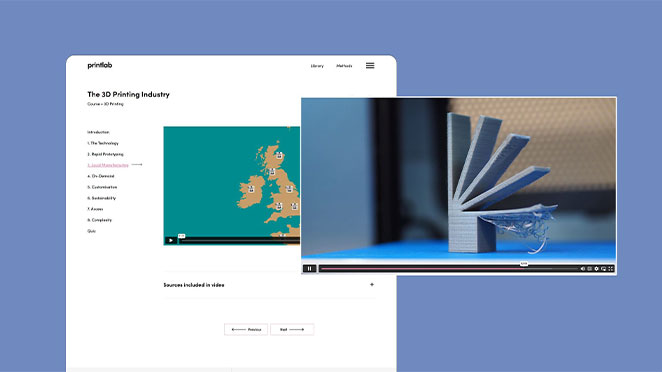
Mini courses are based on informative video content or step-by-step tutorials. They help users to build foundational knowledge in 3D printing and technical skills in 3D design software using Tinkercad or Fusion 360 software (both free for personal use).
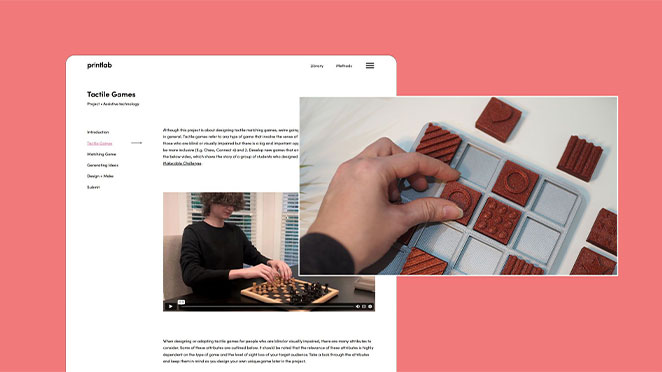
Projects guide users through each stage of the design process to make specific types of products in the fields of assistive technology, customised product design and STEM. They include a brief background information, 3D design tutorials, portfolio templates and instructions on implementing various design methods such as user interviews, brainstorms, idea sketches, product evaluations and more.
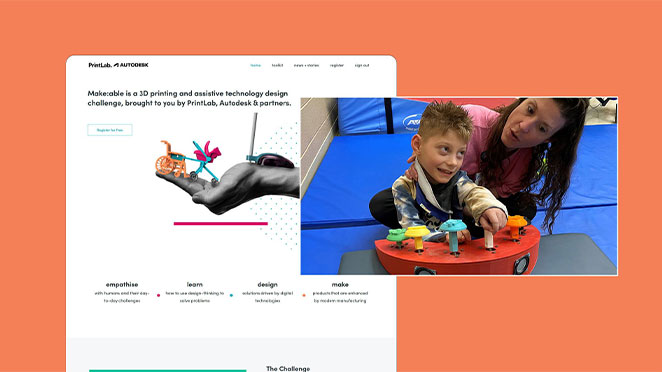
Challenges are global design competitions (with prizes!) where users will solve a real-world problem with 3D printing. Challenge briefs are broad and open-ended, giving users complete freedom in both the product created and the design process undertaken. Our first challenge is Make:able - a yearly assistive technology design competition. Additional challenges will be launched in due course.

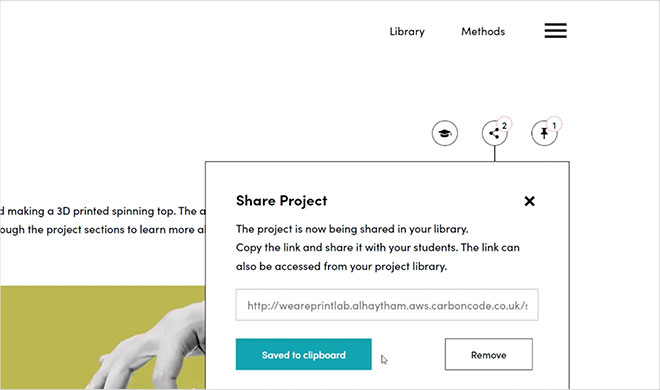
Simply select a resource, generate a share link and send it to students to give them one-click access to the learning platform. No logins required! Additional features that save teachers time and stress include:
• Standards-aligned lesson plans and teacher instructions with each resource
• Portfolio templates that students can fill in to document their design process
• Assessment rubrics to grade portfolios
Select a resource, generate a share link and send it to students to give them one-click access to the learning platform. No logins required!
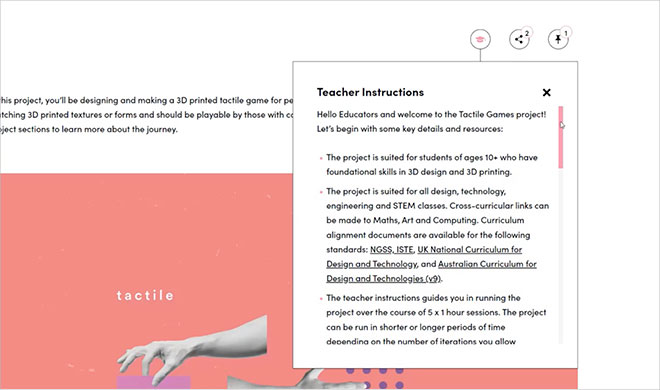
Each resource comes with a teacher instructions tab, which provides users with step-by-step lesson plan instructions. As users go through the resource sections, the teacher instructions update accordingly.
Our curriculum is aligned to the following standards: NGSS, ISTE, UK National Curriculum, New Zealand Curriculum and Australian Curriculum for Design and Technologies (v9). Resources come with both curriculum alignment documents and editable assessment rubrics.
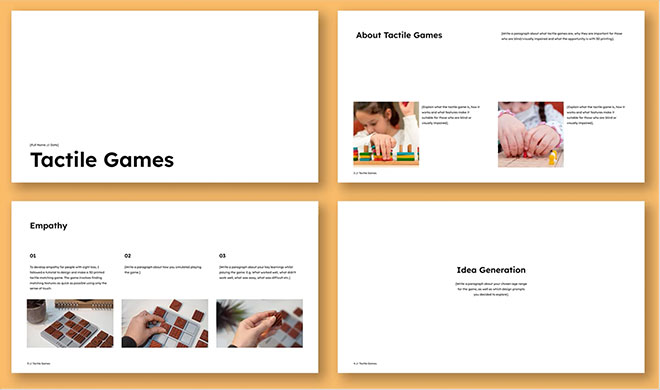
As students move through each stage of a project, the learning platform guides them in filling in a Google Slides template to document their design process – resulting in a beautiful and professional portfolio of work that can be assessed using the included rubric. The portfolio is optional and you are free to advise students to document their work in alternative ways.
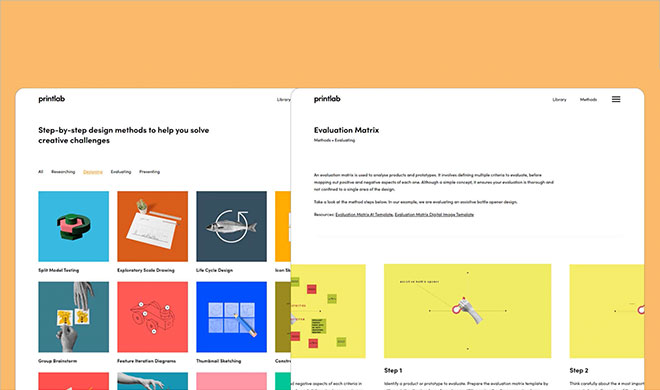
The Design Method Toolkit is designed to be used while working on projects or challenges. It provides students with a range of step-by-step problem-solving and design activities that can be used at each stage of the design process – whether it’s to research topics, generate ideas, design prototypes, evaluate solutions or present work.
The toolkit can also be used to tackle PrintLab’s Make:able and Homeware Design Challenges.


Founded in 1997, we bring next-generation technology to customers, with an emphasis on expertise and white-glove service. Showrooms in Chicago, Detroit, Tokyo, and Seoul.
The leading national supplier of Desktop 3D printers. Expertise in both Industrial and Desktop 3D printing. Supplier of next-generation Metal, SLS, ultrafast Industrial printers.
2025 Edition Professional 3D Printer Buyers Guide
Choosing the right 3D printer doesn't have to be difficult. Find the perfect printer for your application. This in-depth guide covers pricing, materials, dimensional accuracy, and more.
Download now